Support MMU Schedulr
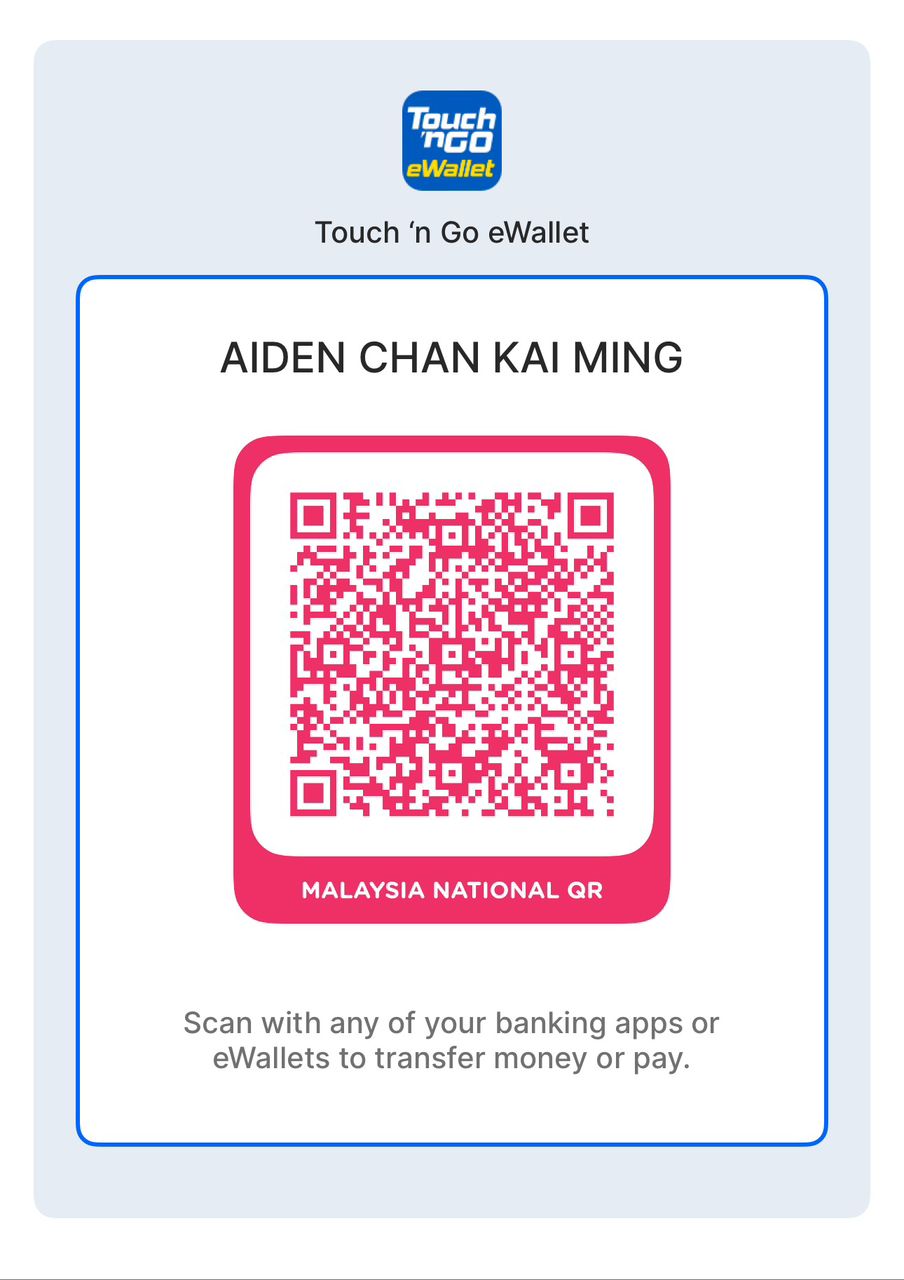
Scan the TNG eWallet QR code below to send a donation — every cup of coffee helps! ☕
Effective Date: 1 March 2026
Thank you for using "Schedulr," a Chrome extension that helps you import your timetable from the MMU CliC platform into your calendar. I value your privacy and am committed to being transparent about how your data is handled. This Privacy Policy explains what information is collected, why it is needed, and how it is stored and protected.
Google Account Information (via OAuth 2.0): When you authenticate with Google,
the Extension initiates a standard OAuth 2.0 authorization code flow using
chrome.identity.launchWebAuthFlow. The authorization code is sent securely to my
backend (Cloudflare Workers), which exchanges it with Google for the following tokens:
sub). This is
used to identify your account in the system.Data stored in the backend database (Supabase): The following information is stored securely on my backend to enable the OAuth session management:
sub (a unique, opaque identifier assigned by Google).Data stored locally in your browser: The Extension stores the following in
chrome.storage.local (on your device only):
Timetable Data: The Extension reads your timetable from the CliC page you have open and uses it to construct calendar events. This data is processed locally in your browser and sent directly to the Google Calendar API — it is never stored on my servers.
Authentication & Session Management: Your Google account details and tokens are stored on the backend solely to manage your authenticated session. When you open the Extension, it validates your session token against the database. If your session has expired (after 30 minutes), the backend uses your refresh token to obtain a new access token automatically — so you stay logged in without going through the Google consent screen again.
Google Calendar Integration: Your access token is used server-side to make authorised requests to the Google Calendar API — specifically, to add your timetable events to your chosen calendar or to retrieve your calendar list.
Security: Your IP address and User-Agent are recorded at login time to help detect and prevent session hijacking. They are never used for tracking, profiling, or advertising.
Timetable Processing: Timetable data scraped from CliC is processed locally in your browser or sent directly to Google Calendar. It is never stored on or transmitted to my servers.
I do not sell, rent, or share your personal data with any third parties for commercial or marketing purposes. Your data is used exclusively within Schedulr to provide the timetable import service. The only external service that receives your data is:
Your account information (name, email, sub), OAuth tokens, and session data are
retained in the database for as long as you use the Extension. Sessions automatically expire after
30 minutes of inactivity; at that point, a new session is issued the next time
you open the Extension (using your stored refresh token).
To delete your data: If you wish to have all your data removed from the backend database, please contact me at aidenchan0397@gmail.com with your Google email address and I will delete your records promptly.
Additionally, you can revoke the Extension's access to your Google account at any time via your Google Account settings: Security > Third-party apps with account access > Manage third-party access, then remove Schedulr. This will invalidate your access and refresh tokens.
Removing the Extension from your browser will also clear any locally stored data
(chrome.storage.local), but will not automatically remove your records from the
backend database — please contact me if you'd like that done as well.
I take reasonable steps to protect your data:
However, no system is 100% secure, and I cannot guarantee absolute security over the internet.
By installing and using the Schedulr extension, you consent to this Privacy Policy and the handling of your data as described above.
I may update this Privacy Policy from time to time and will update the effective date accordingly. You are advised to review this page periodically for any changes. Continued use of the Extension after changes are posted constitutes acceptance of the revised Policy.
If you have any questions, concerns, or data deletion requests regarding this Privacy Policy, please contact me at aidenchan0397@gmail.com.
Scan the TNG eWallet QR code below to send a donation — every cup of coffee helps! ☕